Meest populaire keuze – Scherpste prijs!
Bekijk productAlle 2 prijzen en aanbieders
Meest populaire keuze – Scherpste prijs!

€ 41,81
-54% prijsdaling
6 of meer dagenGratis verzending
5-6 werkdagen
Bekijk product Marketplace aanbod

€ 41,73
3 tot 4 dagenGratis verzending
Check de website voor de levertijd | Gratis bezorgd > €20,-
Bekijk product Prijshistorie
Laagste prijs
Gemiddelde laagste prijs
Laagste prijs ooit
€ 37,18
Hoogste prijs ooit
€ 90,76
Goedkoopste nu
€ 41,73
Laatste prijsupdate
29-07-2026
Belangrijkste kenmerken
- EAN
- 8595611702655
Productomschrijving
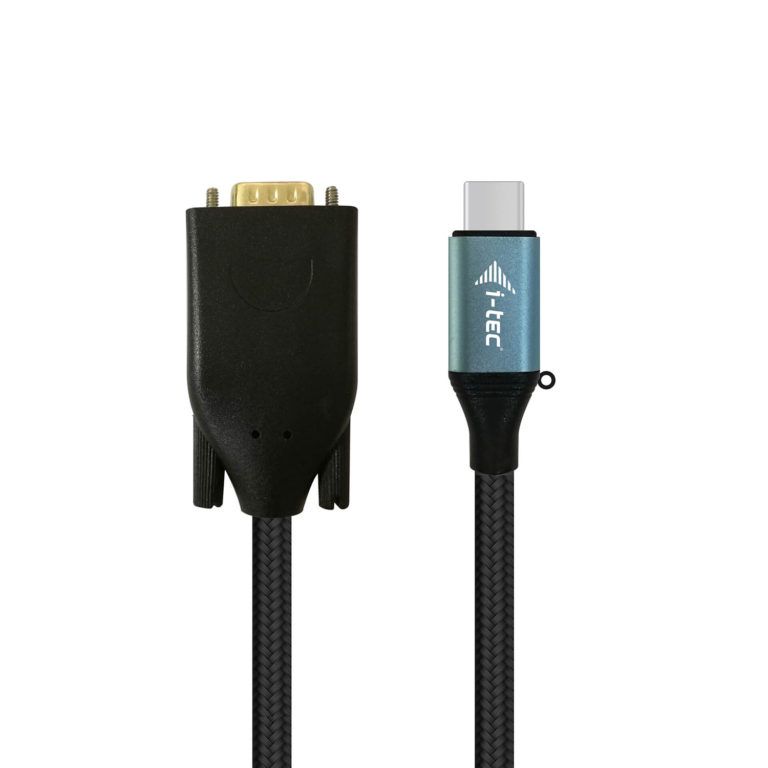
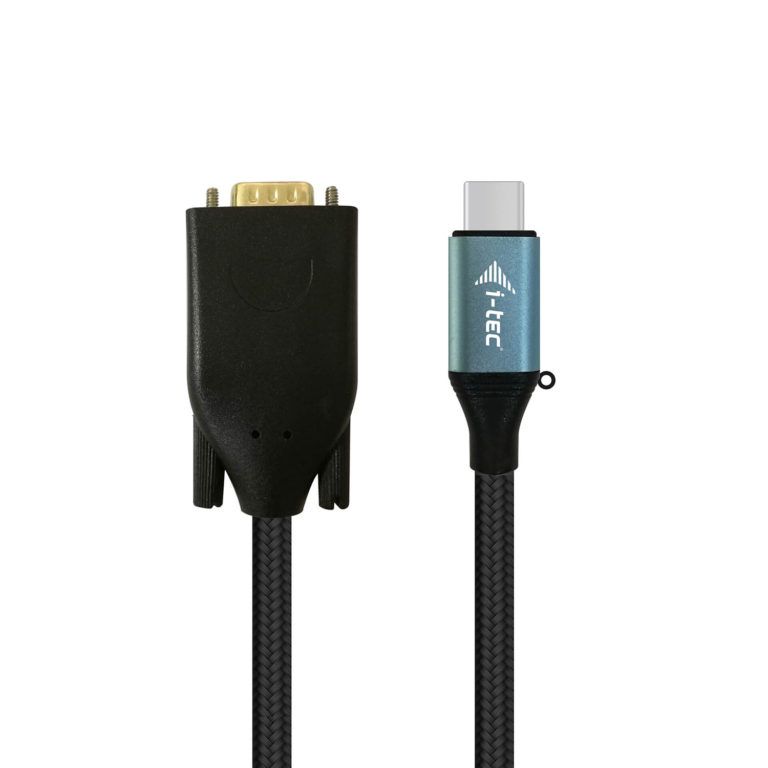
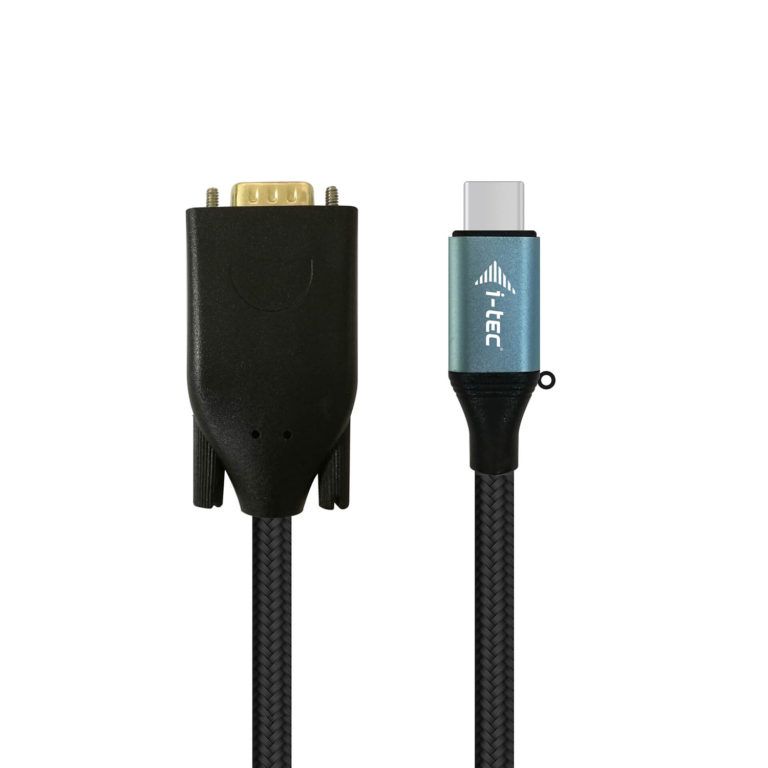
Expand your desktop to external VGA monitor via new USB-C or Thunderbolt 3 connector. This cable adapter supports the transfer up to 1080P, resolution up to 1920 x 1080 pixels.\n\nThe cable adapter is suitable for use with all notebooks equipped with a USB-C connector which supports video transfer (DisplayPort alt Mode) or with a Thunderbolt 3 connector (including Apple MacBook 2015 or Apple MacBook Pro 2016 and later). The USB-C and Thunderbolt 3 connectors have many benefits. They are smaller and symmetrical, which makes them easy to connect because you do not have to care about connector orientation.\n\nThe cable adapter is the excellent choice for designers, graphic designers, gamers, and other users working with more than one screen simultaneously. Using the “Extend” and “Mirror” modes you can work for example with applications on two monitors (e.g., wide spreadsheets), or you can work on the first screen and search for information on the Internet on the second screen, you can compare several documents simultaneously without constant switching among the open windows, you can display panoramic images on two screens without the need to have another computer etc.\n\nUsing is very simple, just plug the cable adapter into the USB-C or Thunderbolt 3 port on your computer, connect it with a display device via Display Port connector and you can immediately start using. Driver installation is automatic from the system.\n\nPlease make sure to check a compatibility of your device, whether it meets all the requirements for an operation of the specific i-tec product, especially video output (Display Port Alt mode). If your device would not be fully compatible, your new i-tec product may not operate correctly. You may find the specifications your device (i.e. USB port), in a user manual supplied with your notebook/tablet/smartphone, or – alternatively – via customer service provided by a manufacturer of your device.
Reviews
Er zijn nog geen reviews geschreven
Heb jij dit product in bezit en wil je graag je mening geven? Start dan hieronder met het schrijven van je review. Afhankelijk van de details duurt het schrijven van een review gemiddeld tussen de 3 en 10 minuten. Met jouw mening help je andere bezoekers een betere keuze te maken én maak je iedere maand kans op €250,-! Klik hier voor de actievoorwaarden.